
 EN
EN
 ar
ar bg
bg hr
hr cs
cs da
da nl
nl fi
fi fr
fr de
de el
el hi
hi it
it ko
ko no
no pl
pl pt
pt ro
ro ru
ru es
es sv
sv tl
tl iw
iw id
id lv
lv lt
lt sr
sr sk
sk sl
sl uk
uk vi
vi et
et hu
hu th
th tr
tr fa
fa ms
ms hy
hy ka
ka ur
ur bn
bn mn
mn ta
ta kk
kk uz
uz ku
ku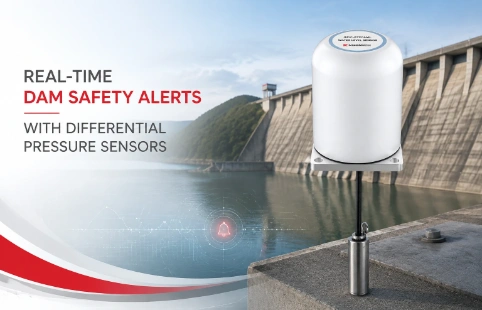
Real-Time Dam Safety Alerts with Differential Pressure Water Level Sensors
Key Takeaways An alert chain needs more than a sensor: define field in...

Data Management Software That Unifies Your Sensor Data
Managing data from dozens—or hundreds—of geotechnical instruments can turn into a mess of spreadsheets and disconnected tools. Data management software built specifically for this field changes that. Instead of wrestling with formats, you get a single interface that reads inclinometer logs, piezometer readings, and strain gauge outputs without manual conversions. Kingmach Measurement & Monitoring Technology focuses on making hardware talk to software. Their data management software works with the full range of their own sensors, plus third‑party devices common on site. The goal isn't just storage; it's making raw readings actionable. Automatic alerts, trend lines, and exportable reports keep engineers and project managers in sync. For mid‑size monitoring projects, this means less time spent on data wrangling and more on interpreting what the ground is actually doing.
Technical Detail
Geotechnical monitoring generates a flood of readings—vibrating wire frequencies, digital levels, total station coordinates. Without a central system, that data scatters across laptops, USB drives, and email attachments. Kingmach's data management software gives you one place to store, visualize, and share it all. The software was built by engineers who also make the instruments, so protocol handling isn't an afterthought. It reads native outputs from Kingmach sensors—including wireless tiltmeters and multipoint borehole extensometers—and imports files from common third‑party loggers. You can set sampling intervals based on the actual site conditions: faster during excavation, slower during post‑construction, and back to fast when thresholds are crossed. Graphs plot real‑time data alongside historical trends, and any reading that moves outside preset bands triggers a notification on screen or by email. Reports pull data directly from the database, so there's no copying and pasting. You can export into PDF with project headers or raw CSV for further analysis. For teams managing multiple dams, tunnels, or slopes, the software supports role‑based access so technicians see only their assigned points while engineers get the big picture. Hosting options range from on‑site servers to cloud access, depending on network availability at the job site. Getting started doesn't demand months of training. The interface uses standard industry terms, not software jargon, and Kingmach offers remote setup sessions. After installation, the system logs everything—who changed which setting and when. That audit trail makes compliance checks simpler. Because the monitoring world isn't static, the platform allows custom columns and formulas. Do you need to convert raw Hz to engineering units using a specific polynomial? You can define that once and apply it across all matching sensors. This is the practical side of data management: not a generic BI tool reskinned, but a field‑aware application that deals with the way monitoring data actually arrives.
News
Key Takeaways An alert chain needs more than a sensor: define field in...
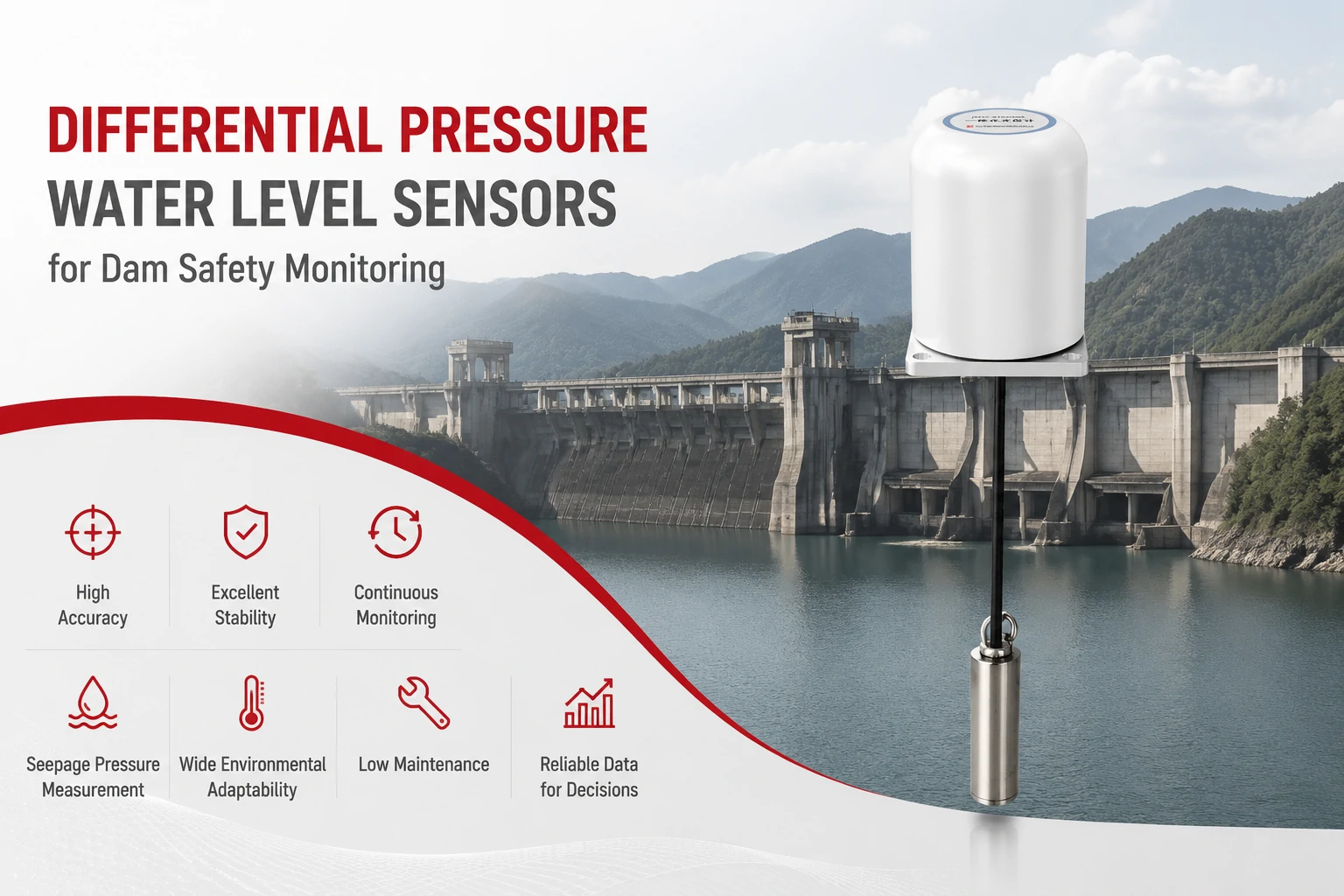
Key Takeaways The strongest fit is usually a confined, submerged, or s...
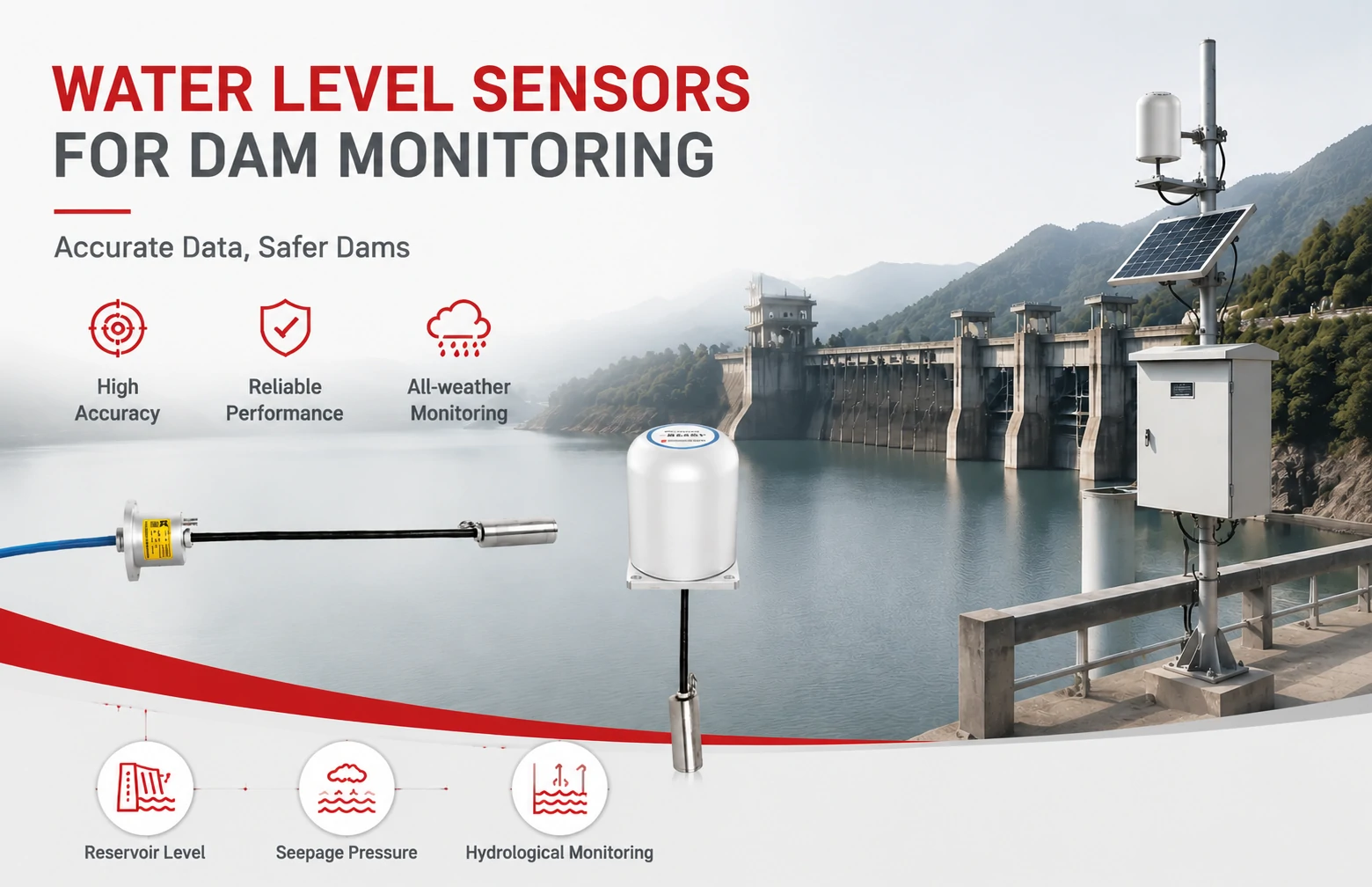
Kingmach Water Level Sensors for Dam Monitoring: A Buyer's Guide to Differential Pre...
Products
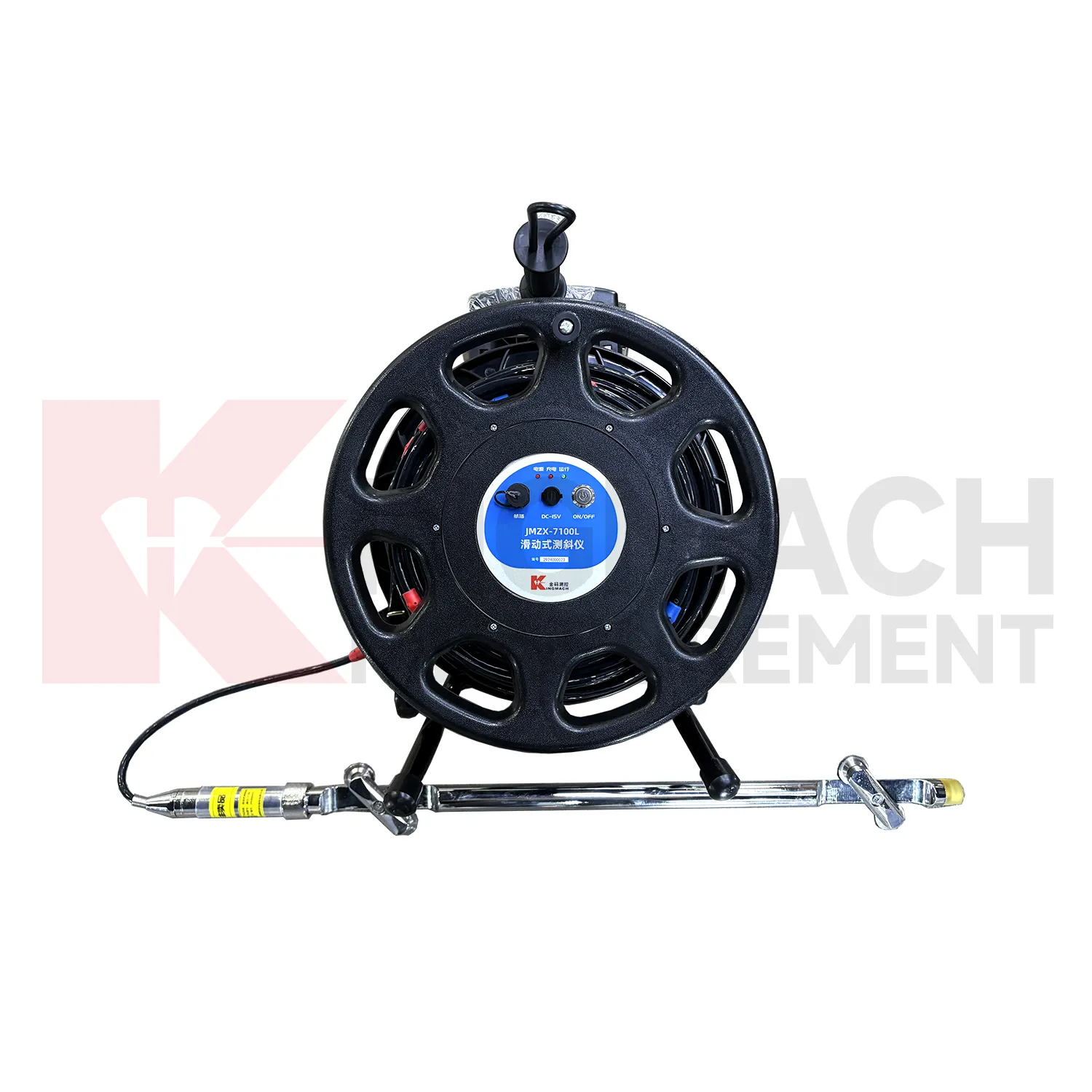
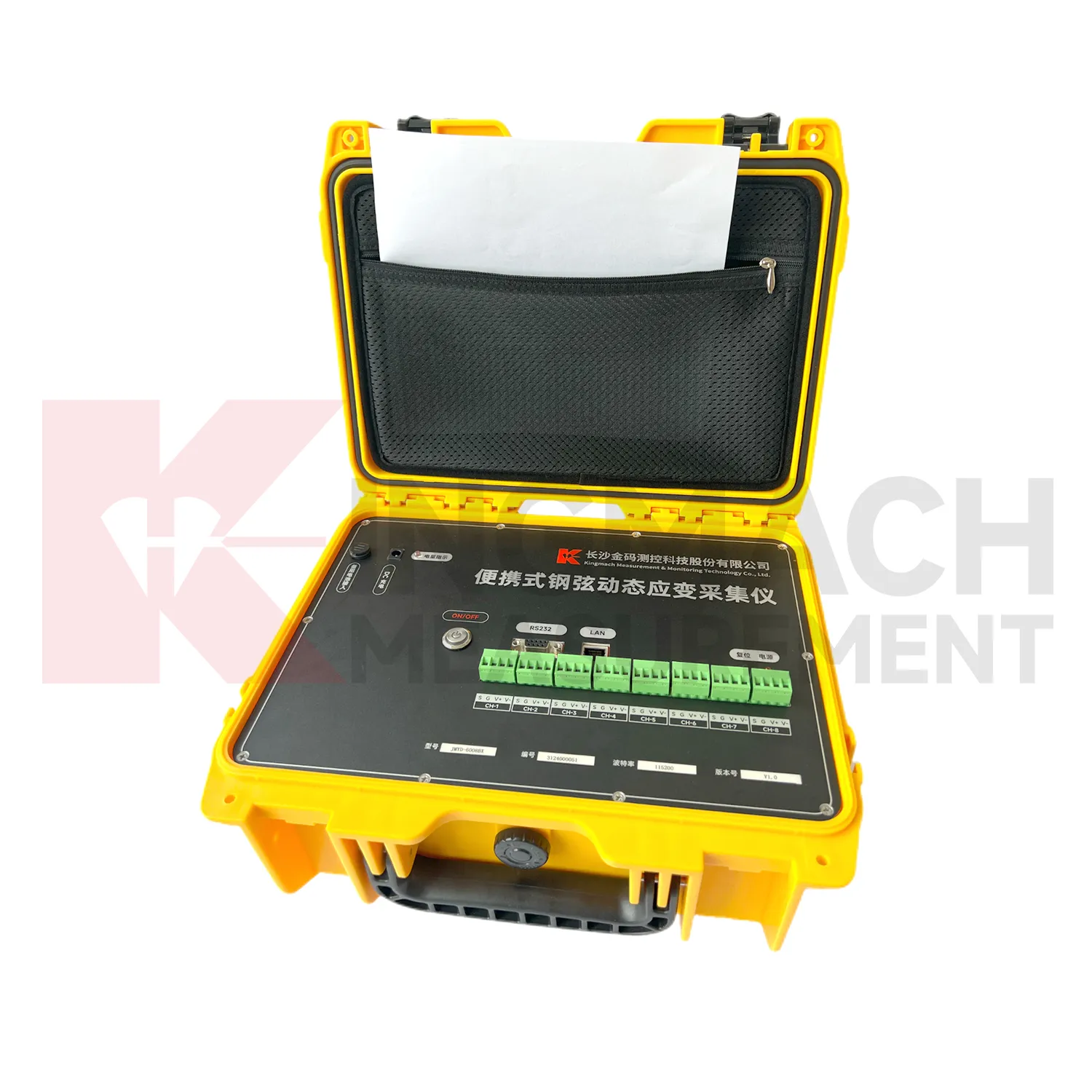
Portable Vibrating Wire Dynamic Strain Acquisition Readout JMYD-6008BX
View Details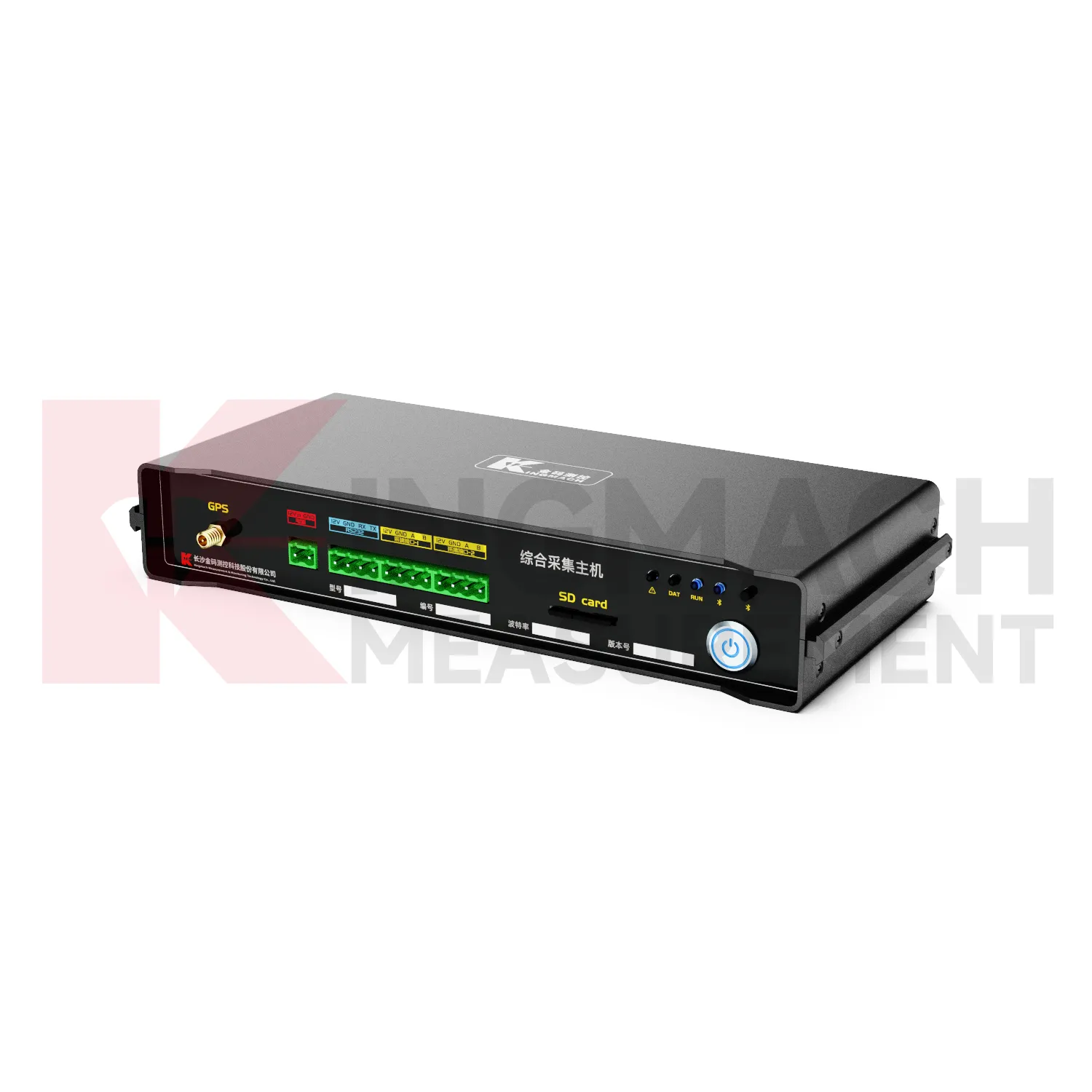
Comprehensive Acquisition Host Unit JMZX-5ZH
View DetailsFAQ
It can. The import module accepts standard formats like Campbell Scientific CSV files, DGSI loggers, and manual readings from any vibrating wire sensor. You'll just need to map the column headers once per file type.
All transmissions use TLS encryption, and the database runs in a partitioned environment. Access is controlled by user-level permissions, so consultants see only the projects you've shared.
No, but you can import them directly. The software merges historical data with live readings, so your baseline doesn't disappear. After that, you can stop maintaining separate spreadsheets.
Most users pick it up within a day. The interface is built around monitoring workflows, not IT concepts. Kingmach also provides a contact for setup walkthroughs and specific configuration help.
Yes. Thresholds and sampling rates can be adjusted per phase—excavation, dewatering, post‑tensioning, etc. Alerts can go to different people at each stage as well.
Share your product type, target capacity, and application requirements. Our team can review the details and recommend a practical next step.
If you are interested in our products or want to become our partner.
Please leave your contact information, our team will contact you as soon as possible.
Mail: [email protected]
Contact Us: +8613808434127
Address: No. 188 Tongzipo West Rd, Changsha, Hunan, China